Built for musicians who learn by ear

Slow down any song.
Same key.

Song Practice drops the tempo without changing the pitch, loops the bar you keep missing, and splits the track so you can hear the bass on its own. Learn any song by ear, free on iPhone and iPad.

4.3 ★★★★★ App Store rating
25–200% speed, pitch locked
On-device stem separation
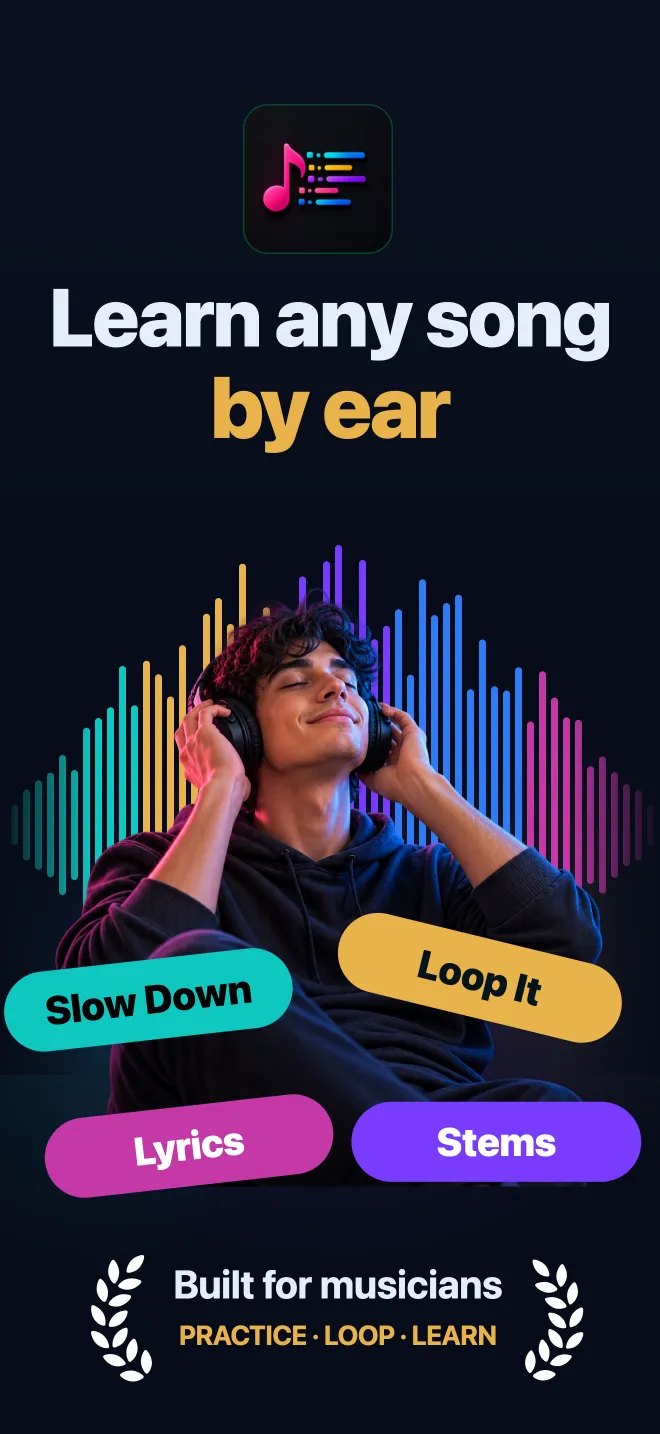
Song Practice app: learn any song by ear with Slow Down, Loop It, Lyrics and Stems
−75%slowest tempo, same key
A → Bloops, nudged by the beat
±12 stkey shift, same tempo
WAV · MIDIexport any stem

Practice tools

Every part of the song, yours to control

Learning a solo, transcribing by ear, rehearsing with your band or building a backing track: Song Practice turns any recording into something you can actually learn from.

Slowing a song to 76% speed in Song Practice while the pitch stays untouched
Slow down music

Drop the tempo.
Keep every note.

Drop the tempo as low as you need and every note stays true to the record. Speed is shown as a share of the song's own tempo, because that is how you think about it: take it at 75%, then nudge it back up.

  • Speed from 25% to 200%, with no pitch drift
  • Tempo steps of 5% of the original BPM, so 120 → 90 is a few taps
  • Metronome that locks to the song's own tempo
  • Automatic BPM detection
How to slow down a song without changing pitch →
A two-bar A-B loop set on the waveform in Song Practice, from 1:13.23 to 1:17.23
A-B loop

Loop the bar you
keep missing

Set A and B once and the passage repeats at your practice tempo until your hands know it. Markers snap to bars and can be nudged a beat at a time, so the loop is exactly the phrase you are working on.

  • A-B markers that snap to bars and beats
  • Loops keep your slowed-down tempo
  • Bookmarks and song sections to jump straight to the hard part
  • Export just the loop instead of the whole song
How to loop part of a song for practice →
Song Practice Mix sheet with separate vocals, drums, bass and other stems and quick mixes including Karaoke, Vocals only and No drums
Stem splitter & vocal remover

Mute the singer.
Keep the band.

AI separation splits any song into vocals, drums, bass and everything else, right on your device. Solo the part you are learning, or mute it and play it yourself.

  • Vocals, drums, bass and other on their own faders
  • Quick mixes: Full mix, Karaoke, Vocals only, No drums, Rhythm
  • Separation runs on your iPhone, so your music stays private
  • Long-press any stem to export it
How to remove vocals from a song →
Song Practice song analysis timeline showing beats, sections, phrases, the key of D flat major, each instrument, loudness and pace
Song analysis

See inside
the song

Beats, sections, phrases, key and where every instrument comes in, analysed on device and laid out on one timeline. Know that the bass sits out until bar 17 before you press play.

  • Beat grid, bar numbers, sections and phrases
  • Key detection, so you know what to play in
  • Where each instrument plays, plus loudness and pace
How to find the BPM and key of a song →
Synced lyrics in Song Practice with the current line highlighted as the song plays
AI lyrics

Sing along.
Every word.

Song Practice transcribes the lyrics with AI and follows the track line by line, in many languages. Shift the key to suit your voice and sing the whole thing.

  • Lyric transcription in many languages
  • The current line highlights as the song plays
  • Change the key up to 12 semitones to fit your range
How to get the lyrics from any song →

How it works

From first listen to playing along

Four steps. Song Practice does the analysis while you tune up.

1

Import

Bring in a song from Files, your iTunes library, Photos, cloud storage, or paste a link. Audio and video both work.

2

Slow & loop

Drop the speed, set A and B around the hard passage, and let it repeat. The key never moves unless you move it.

3

Isolate

Split the song into stems. Solo the bass to hear every note, or mute your part and play in its place.

4

Take it with you

Export any stem as WAV, M4A or MIDI, for the whole song or only your loop, and drop it into your DAW or rehearsal set.

Also inside

A practice room in your pocket

Metronome that follows the song

The click locks to the track's detected tempo and stays locked when you slow it down, so you always practise on the grid.

Change the key

Shift up or down by as much as 12 semitones without touching the tempo. Match your capo, a drop tuning or your vocal range.

Audio to MIDI

Turn any separated stem into MIDI and open the notes in GarageBand, Logic or any notation app.

Lossless export

WAV or M4A for any stem, the full mix, or just the section you looped. Ready for a backing track or a DAW session.

Import from anywhere

Files, iTunes, Photos, iCloud Drive and other cloud storage, or paste a link. Video soundtracks work too.

Private by design

Stem separation and song analysis run on your device. The song you are learning never has to leave your phone to be split.

Screenshots

See it on iPhone

Song Practice: learn any song by ear with slow down, loop, lyrics and stems
Learn by earSlow down · Loop · Lyrics · Stems
Slowing a song by 24% without changing its key in Song Practice
Slow downTempo down, pitch untouched
Looping two bars between A and B markers in Song Practice
LoopA → B, bar-accurate
Karaoke quick mix muting the vocal stem in Song Practice
StemsMute the singer, keep the band
On-device song analysis of beats, sections, key and instruments in Song Practice
AnalysisBeats, sections, key
AI transcribed lyrics following the song in Song Practice
LyricsEvery word, in sync

Song analysis view requires iOS 27. Song Practice runs on iOS 17 or later.

Guides

Learn songs faster

Practical, step-by-step guides for slowing down, looping, isolating and learning music by ear.

Tempo

How to Slow Down a Song Without Changing the Pitch

Why slowed-down music usually sounds lower, and how to keep the key while you drop the tempo.

Read the guide →
Slow Downer

Best App to Slow Down Music on iPhone

What a slow downer app needs for real practice, and a checklist to compare your options.

Read the guide →
Vocal Remover

How to Remove Vocals from a Song

Make a karaoke track or a clean instrumental on your iPhone with AI stem separation.

Read the guide →
Bass

How to Isolate the Bass in a Song

Pull the bass line out of the mix so you can hear, and learn, every note.

Read the guide →
Ear Training

How to Learn Songs by Ear

A repeatable method: find the key, slow it down, loop phrases and check yourself against the stem.

Read the guide →
A-B Loop

How to Loop Part of a Song for Practice

Set A-B loops that land on the bar, and use tempo ladders to get a passage up to speed.

Read the guide →
Key

How to Change the Key of a Song

Transpose any recording to fit your voice, a capo or a tuned-down guitar, without changing tempo.

Read the guide →
Analysis

How to Find the BPM and Key of a Song

Detect tempo and key automatically, and double-check them by ear.

Read the guide →
Backing Tracks

How to Make a Backing Track from Any Song

Drumless, bassless, guitarless or karaoke: build the minus-one track you need to play along.

Read the guide →
MIDI

How to Convert Audio to MIDI on iPhone

Separate a part, export it as MIDI, and open the notes in GarageBand or Logic.

Read the guide →
Guitar

How to Learn a Guitar Solo

Break a solo into licks, slow each one down, and build it back up to full speed.

Read the guide →
Lyrics

How to Get the Lyrics from Any Song

Transcribe lyrics from an audio file with AI, and follow them line by line as it plays.

Read the guide →

All guides

FAQ

Frequently asked questions

Can I slow down a song without changing the pitch?

Yes. Song Practice changes tempo and pitch independently. Take a song anywhere from 25% to 200% of its original speed and it stays in the original key, so a 128 BPM track at 76% plays at 97 BPM and still sounds in C♯. Learn more →

Is Song Practice free?

Song Practice is free to download from the App Store and you can start practising straight away. Slowing down, looping and changing key are free, and you get a few free stem separations to try. Song Practice Pro unlocks unlimited separations and lyrics, WAV, M4A and MIDI export, and removes ads. Compare slow downer apps →

How do I remove the vocals from a song?

Import the song, let Song Practice split it into stems, then open Mix and tap the Karaoke quick mix. The vocal stem is muted and the band keeps playing. You can export that instrumental as a WAV or M4A file. Learn more →

Which parts can Song Practice separate?

Vocals, drums, bass and everything else. Each stem has its own level, so you can solo the part you are learning, mute it and play it yourself, or use quick mixes such as Karaoke, Vocals only, No drums and Rhythm. Learn more →

Does stem separation upload my music?

No. Stem separation runs on your iPhone or iPad, so the song you import stays on your device while it is split.

How do I loop one part of a song?

Set an A marker at the start of the passage and a B marker at the end. Song Practice repeats that section at whatever tempo you have chosen, and you can nudge A and B by a beat until the loop is exactly the bars you need. Learn more →

Can Song Practice change the key of a song?

Yes. Shift the key up or down by as much as 12 semitones without changing the tempo, to fit your vocal range, a capo position or a tuned-down instrument. Learn more →

Does Song Practice show the lyrics?

Yes. Song Practice transcribes lyrics with AI in many languages and highlights each line as the track plays, so you can sing along or learn the words. Learn more →

Can I convert a song to MIDI?

Yes. Any separated stem can be exported as MIDI, alongside lossless WAV and M4A audio. You can export the whole song or only the section you looped. Learn more →

Where can I import songs from?

Import audio or video from the Files app, your iTunes file library, Photos, cloud storage, or by pasting a link. Songs protected by DRM, such as Apple Music downloads, cannot be imported.
Song Practice app icon

Practice · Loop · Learn

The song is already your teacher

Slow it down, loop it, pull your part out of the mix. Free on the App Store for iPhone and iPad.

Download Song Practice Free